> For the complete documentation index, see [llms.txt](https://ladipage-vietnam.gitbook.io/v5-ladipage/llms.txt). Markdown versions of documentation pages are available by appending `.md` to page URLs; this page is available as [Markdown](https://ladipage-vietnam.gitbook.io/v5-ladipage/xviii.-cac-thiet-lap-cho-landingpage/cong-cu/hoan-doi-phan-tu.md).
# Hoán đổi phần tử
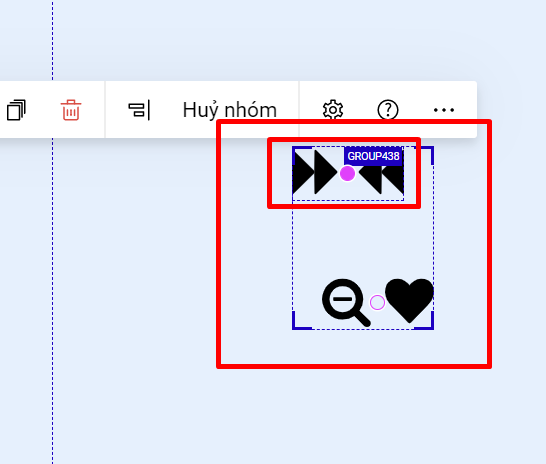
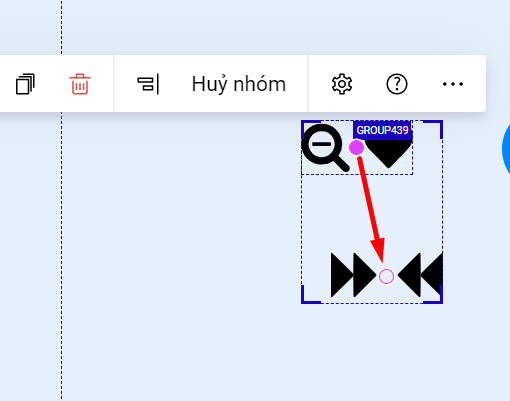
Trong 1 group hoặc bạn bôi đen nhiều phần tử, bạn có thể hoán đổi vị trí phần tử này với phần tử kia. Khi đó sẽ có dấu chấm tròn để bấm vào đó rồi di chuyển.
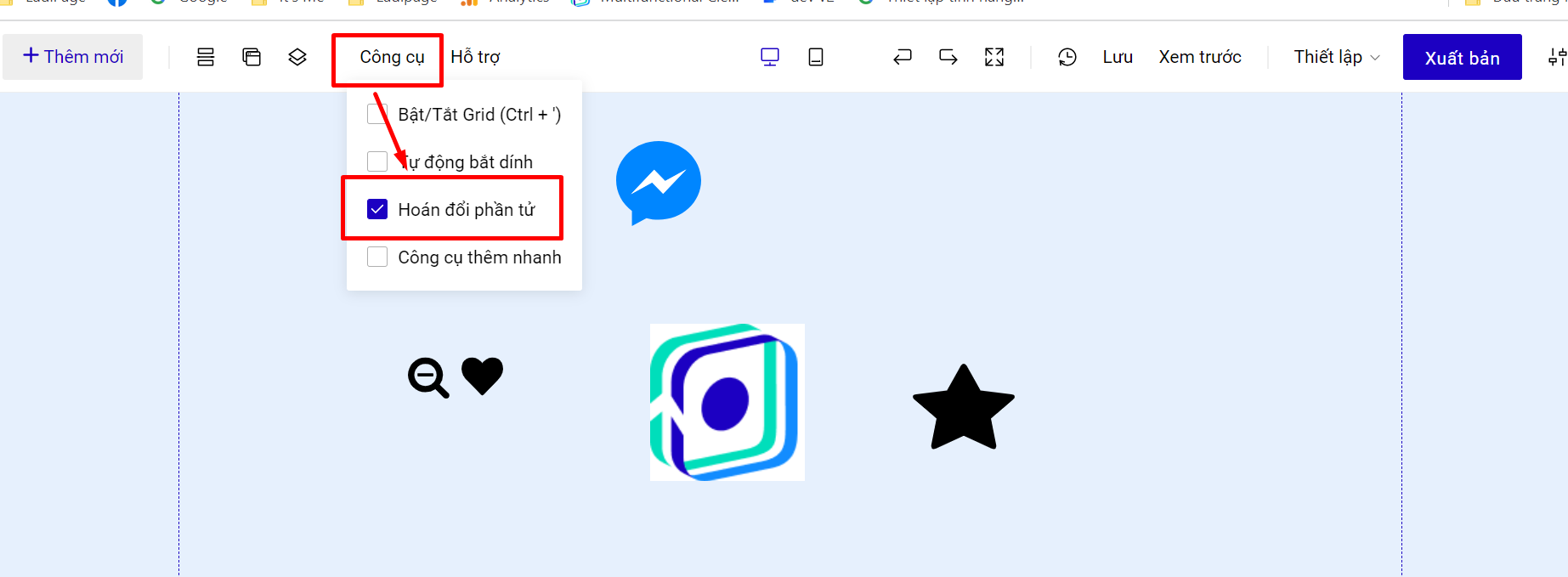
Để thực hiện hoán đổi phần tử, bạn bật chế độ Hoán đổi phần tử tại mục Công cụ.
Tạo nhóm hoặc bôi đen các phần tử muốn hoán đổi
Bạn bấm vào dấu chấm tròn kéo tới phần tử/nhóm phần tử muốn hoán đổi vị trí.
**Video hướng dẫn:**

{% hint style="warning" %}
**Lưu ý:** Không hỗ trợ hoán đổi phần tử phần tử độc lập với phần tử phần tử độc lập, group độc lập với group độc lập. Chỉ hỗ trợ trong group hoặc bôi đen.
{% endhint %}